Almost everyone who quits an expense tracker quits for the same reason: typing. You buy coffee, you mean to log it, and by evening you’ve forgotten the amount. Three days later the app is a graveyard of half-remembered spending and you delete it.
The fix isn’t more discipline. It’s reducing the entry down to something you’ll actually do while standing at the counter.
1. Say it out loud
Voice entry is the fastest input method that exists for this. You say “spent 25 dollars on lunch at McDonald’s” and the app extracts three things: the amount, the merchant, and the category. No keyboard, no dropdowns, no date picker.
The trick is doing it immediately — while you’re walking away from the register, not later. Two seconds beats two minutes of reconstruction.
2. Snap the receipt
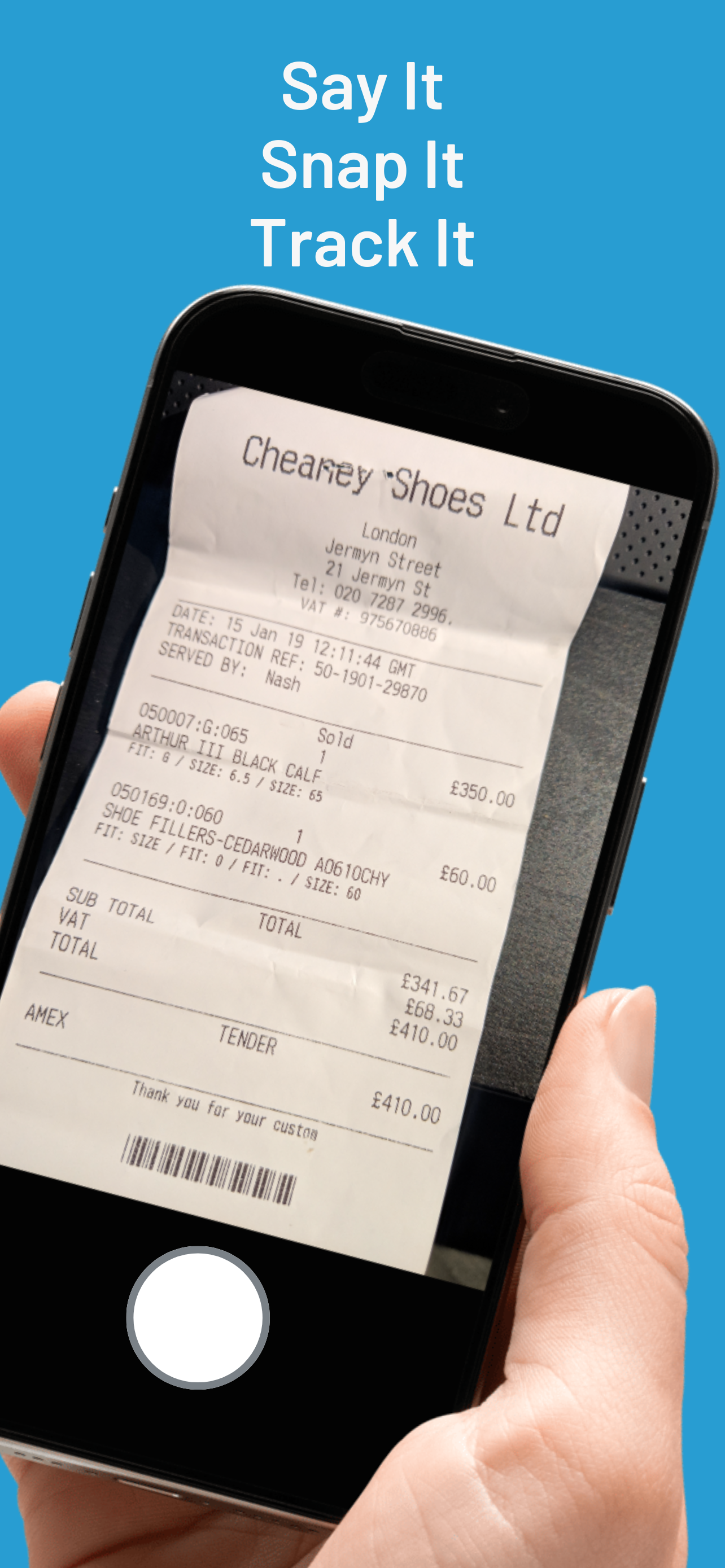
For anything with a printed receipt, OCR beats typing every time. Point the camera, capture, and let the app read the total, the date, and the merchant name off the paper.
This matters most for the receipts you shouldn’t summarize — a big grocery run, a business dinner you’ll expense later, a repair invoice you might need for warranty. The image gets stored alongside the transaction, so the proof and the number stay together.
3. Let your bank tell the app
If you pay by card or e-wallet, your phone already knows about the transaction — the bank pushed a notification the moment it cleared. On Android, an app can read those notifications and draft the transaction for you.
That covers the category most people under-record: small cashless payments. Transfers, QR payments, ride-hailing, food delivery. You review a queue of drafts once a day instead of remembering fourteen separate purchases.
What this changes
When capture is nearly free, the numbers actually reflect reality. And once the numbers are real, everything downstream — budgets, category analysis, “can I afford this” — starts working, because it’s no longer built on a partial record.
All three of these are built into Duit: voice input, receipt OCR, and banking notification capture for Indonesian, Malaysian, and Philippine banking apps. Try it free.