You tracked expenses diligently for six weeks, then stopped. Now it’s four months later and the thought of catching up is exactly why you haven’t reopened the app.
Don’t reconstruct it by memory. Import it.
Your bank already has the record
Every bank gives you a statement, and most give it in a machine-readable format if you look past the PDF button:
- PDF — always available, works fine when text-extractable
- CSV — usually under “export” or “download transactions”
- OFX / QFX — the format built for accounting software; the cleanest option when your bank offers it
OFX and QFX carry structured fields — date, amount, description, transaction type — so nothing is guessed. PDF and CSV need parsing, but a good importer handles both.
The catch-up workflow
- Download statements for every account, covering the whole gap.
- Import each file and let the parser extract the transactions.
- Review categories in bulk. This is the only slow part, and it’s much faster than re-entering rows: you’re confirming, not typing.
- Reconcile the ending balance. If the app’s balance matches your real balance, the import is complete. If it doesn’t, something is missing — usually a second account.
An afternoon of this gets you four months of real history, which is worth far more than four months of nothing.
What you get back
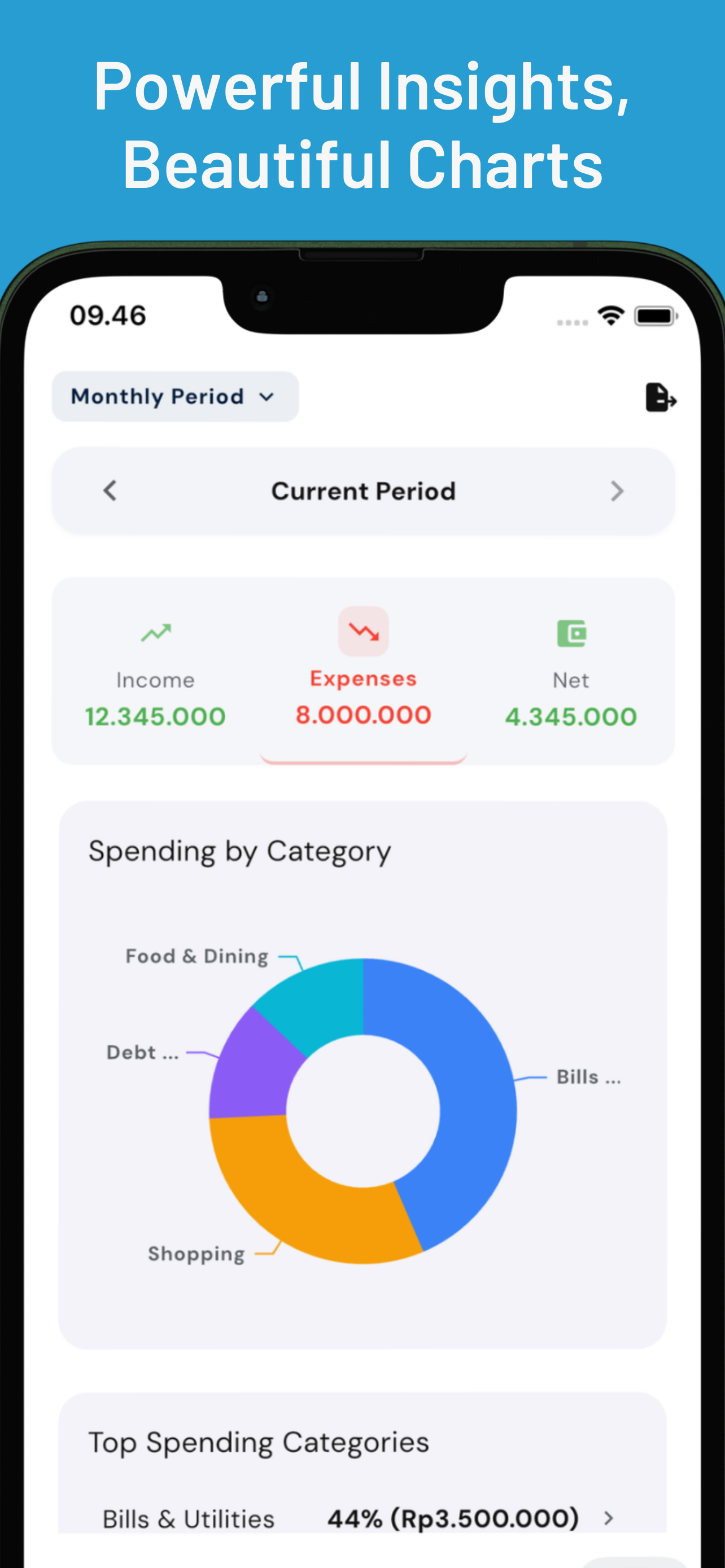
Historical data is what makes analysis possible. With four months in the system you can see:
- Which categories are trending up rather than just what they were last week
- Your true monthly average, including the irregular months
- Annual and quarterly costs — insurance, taxes, registrations — that never show up in a 30-day view
- Subscriptions you forgot you were paying
None of that is visible from a fresh, empty tracker.
Then keep it current
Import fixes the past. To stop the gap reopening, the day-to-day capture has to be nearly effortless — voice entry, receipt scanning, or automatic capture from banking notifications. Statements are the safety net, not the plan.
Duit imports PDF, CSV, OFX, and QFX statements and uses AI to extract the transactions, then tags each one with where it came from so you can tell imported rows from manual ones. Download it free.